Complete Embroidery Solution
Design, manage, and scale your embroidery operations from one unified platform.
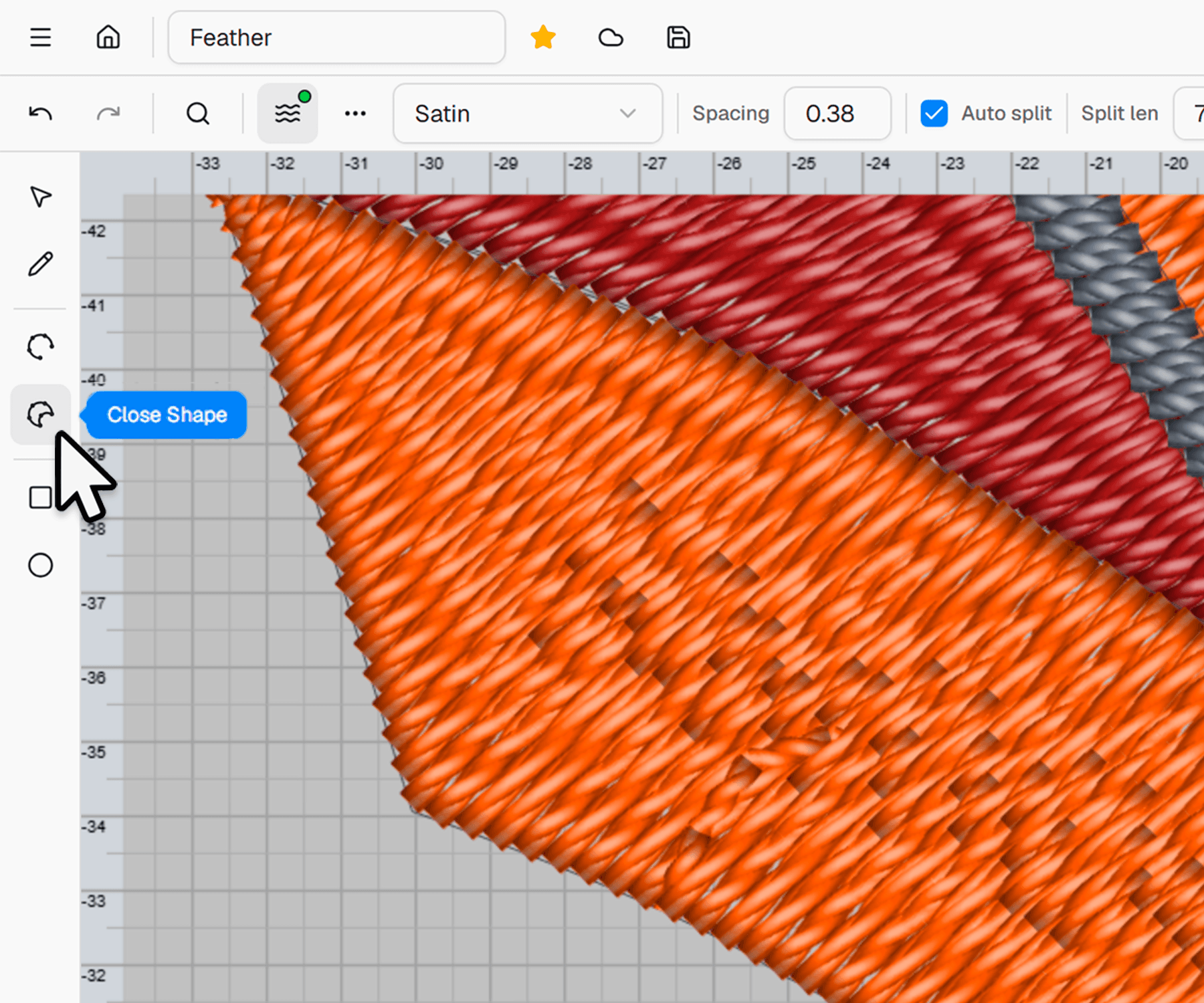
Start your design from a clean canvas
Create embroidery designs using drawing tools, text, or imported files. Work on a smart canvas built specifically for embroidery projects.
- Drawing tools
- Add shapes, text, or custom paths directly on the canvas.
- Embroidery file import
- Open DST, PES, EXP and other formats as editable projects.
- Instant preview
- Preview how your embroidery will look before production.
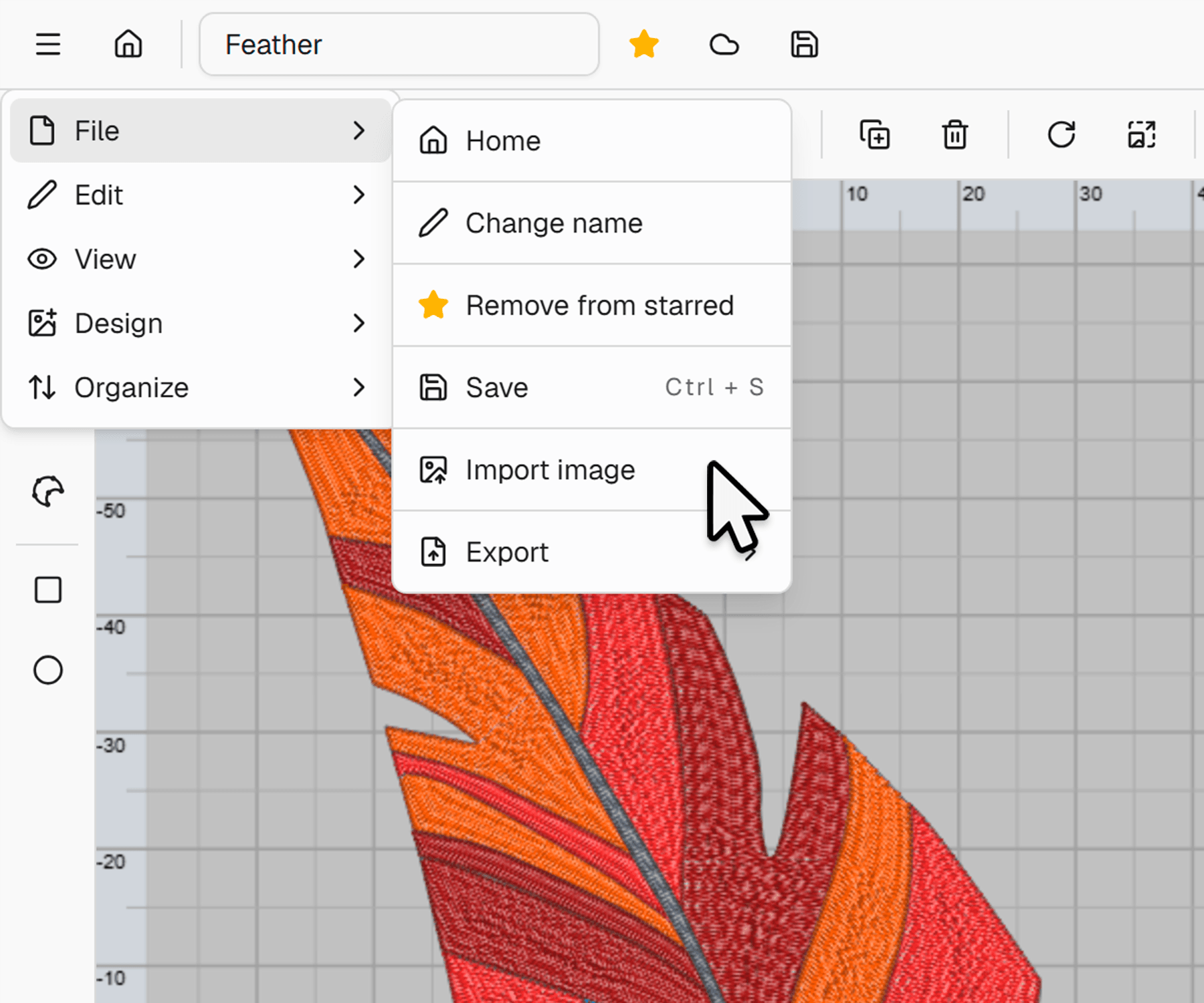
Import and prepare artwork for embroidery
Bring in vector or image files and adapt them for embroidery. Clean up artwork and prepare it for accurate stitch conversion.
- Vector & image import
- Import SVG, AI, and artwork files into your project.
- Smart cleanup
- Simplify complex shapes to make them suitable for stitching.
- Text & monogram tools
- Use fonts and monogram styles designed for embroidery.
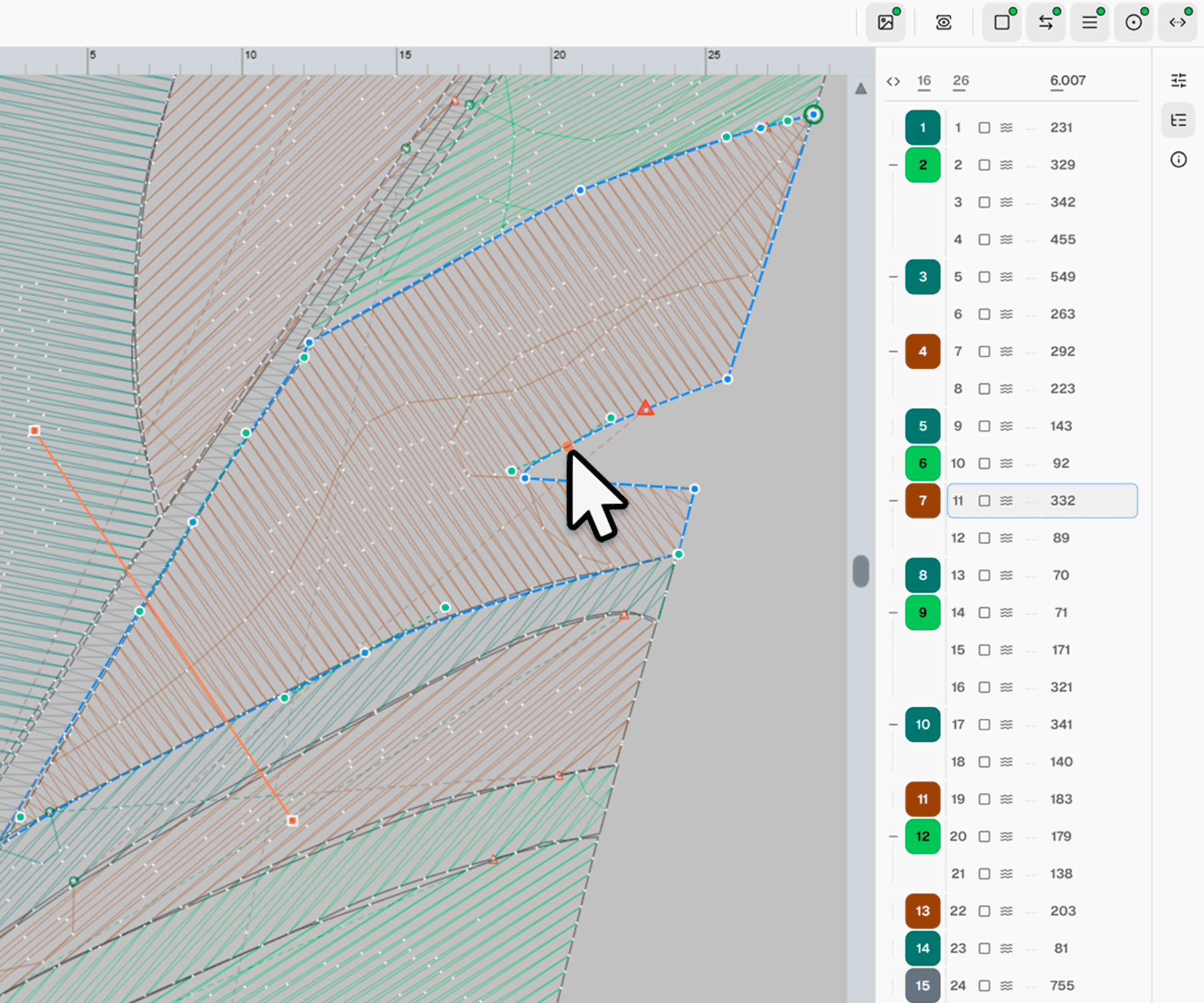
Edit at stitch level with full control
Refine your embroidery files by adjusting stitch paths, transforming sections, and optimizing stitch order.
- Point-level editing
- Manually adjust stitch paths for precise control.
- Reshape & transform
- Move, rotate, scale, or reshape design sections.
- Stitch reordering
- Change stitch order to improve production flow.
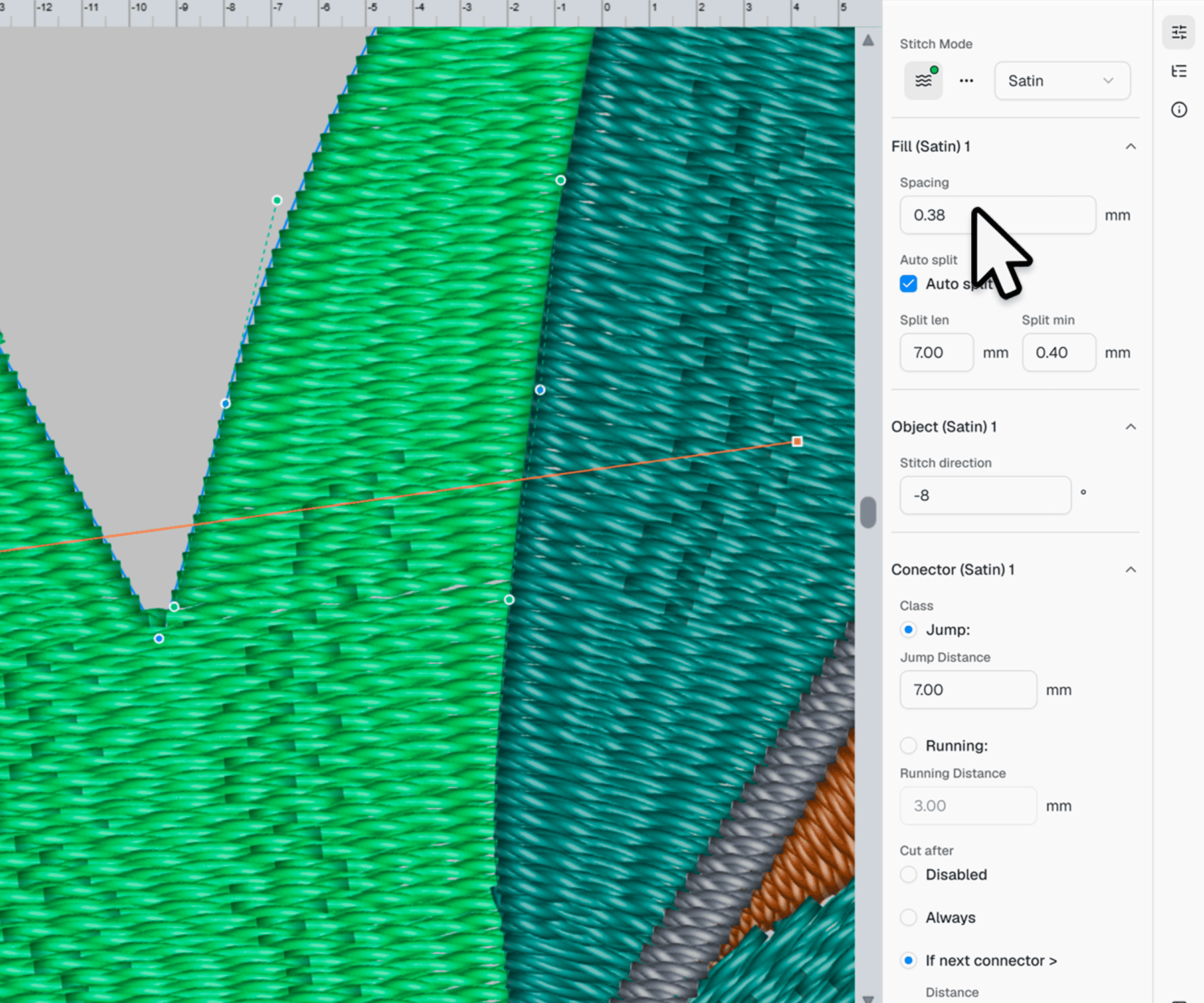
Adjust technical stitch settings
Fine-tune embroidery parameters to improve fabric stability, shape accuracy, and production quality.
- Pull compensation
- Adjust compensation to maintain shape accuracy on fabric.
- Underlay customization
- Modify underlay settings to improve stability.
- Density control
- Control stitch density for quality and efficiency.
Automatically calculate time and cost
Get instant production estimates based on stitch count, machine speed, and your pricing rules.
- Machine time estimation
- Calculated from stitch count and machine speed.
- Custom pricing rules
- Define margins and pricing models for your business.
- Cost per stitch
- Automatically calculated from your rate settings.
Generate professional production sheets
Create production-ready documents with embroidery details, technical specifications, and job information.
- Production templates
- Use clean layouts designed for embroidery production workflows.
- Thread usage
- Include estimated thread consumption and color information for each job.
- Technical specs
- Include stitch count, dimensions, colors, and other essential design details.
Export to major embroidery formats
Download your design in machine-compatible formats used in professional embroidery production.
- Multiple formats
- DST, PES, EXP, JEF, VP3, and more.
- Workflow compatibility
- Export to USB, email, or your production system.
- Optimized output
- Tweak density, compensation, and other settings before export.
Preview before final export
Simulate the stitching process to detect issues before sending the file to production.
- Realistic simulation
- Step-by-step stitch animation preview.
- Visual quality control
- Spot overdensity, jumps, or design flaws.
- Quick corrections
- Jump back to editing directly from the preview.
Keep all your designs organized
Centralize your embroidery files in one workspace. Sort, search, and group designs by client, project, or status, no more lost versions or confusing folders.
- Powerful search
- Find designs by name, date, or even stitch properties.
- Version tracking
- Keep every revision organized and accessible.
- Access control
- Manage permissions for editing, viewing, or exporting.
Collaborate and share with ease
Invite teammates, clients, or partners to view or comment on embroidery projects. Control access and track updates in real time.
- Team collaboration
- Share projects securely with your production or design team.
- Approval tracking
- Record when clients approve or request changes.
- Notifications
- Stay updated on file changes and approvals.
Securely share designs externally
Send private access links to clients or partners with controlled permissions and activity tracking.
- Secure sharing links
- Generate private links with optional passwords or expiration dates.
- View-only or editable access
- Decide who can view, comment, or make changes to your designs.
- Track activity
- See when and who viewed or downloaded your shared files.
Collect client feedback in real time
Let clients preview designs, leave comments, and approve projects directly from a shared link.
- Design preview links
- Clients can see real-time stitch previews without logging in.
- Comments and annotations
- Collect feedback directly on the artwork preview.
- Approval workflow
- Clients can approve or request changes with a single click.
Ready to start your next project?
Join thousands of designers who already trust emblly for their embroidery projects.
Subscribe to our newsletter
Stay updated with our latest news and offers.